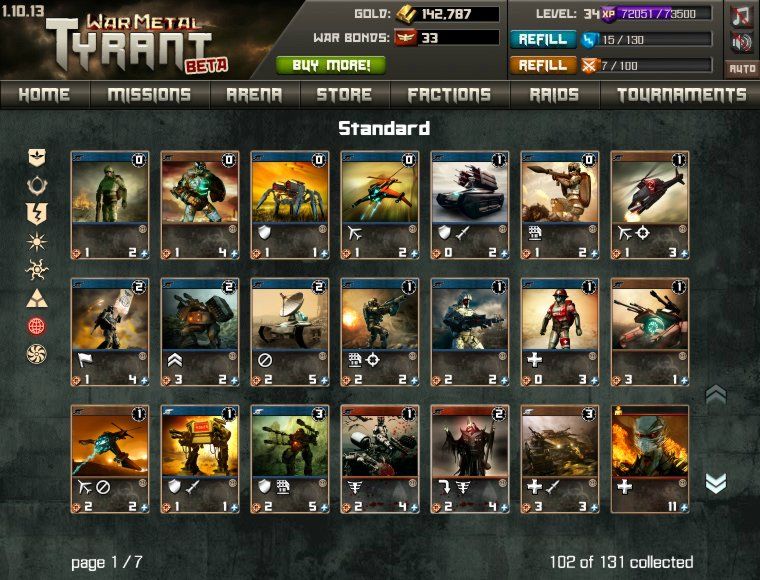
Playing a text-based RPG on a phone is about more than finding a game that loads. You need readable menus, comfortable controls and reliable access to the character you are building. An app listing and a browser version are two possible routes into that experience.
Mob Wars: LCN, Pirate Clan, Viking Clan and Zombie Slayer each have Android and iPhone listings alongside KanoPlay browser access. Choose a setting first, then check the version available for your device and region. If you already play, establish your sign-in method before starting another character.
Four worlds to explore on your phone
Mafia: Build your mob through Jobs, property income, equipment and Fights, with Syndicates for group competition. Play Mob Wars: LCN free.
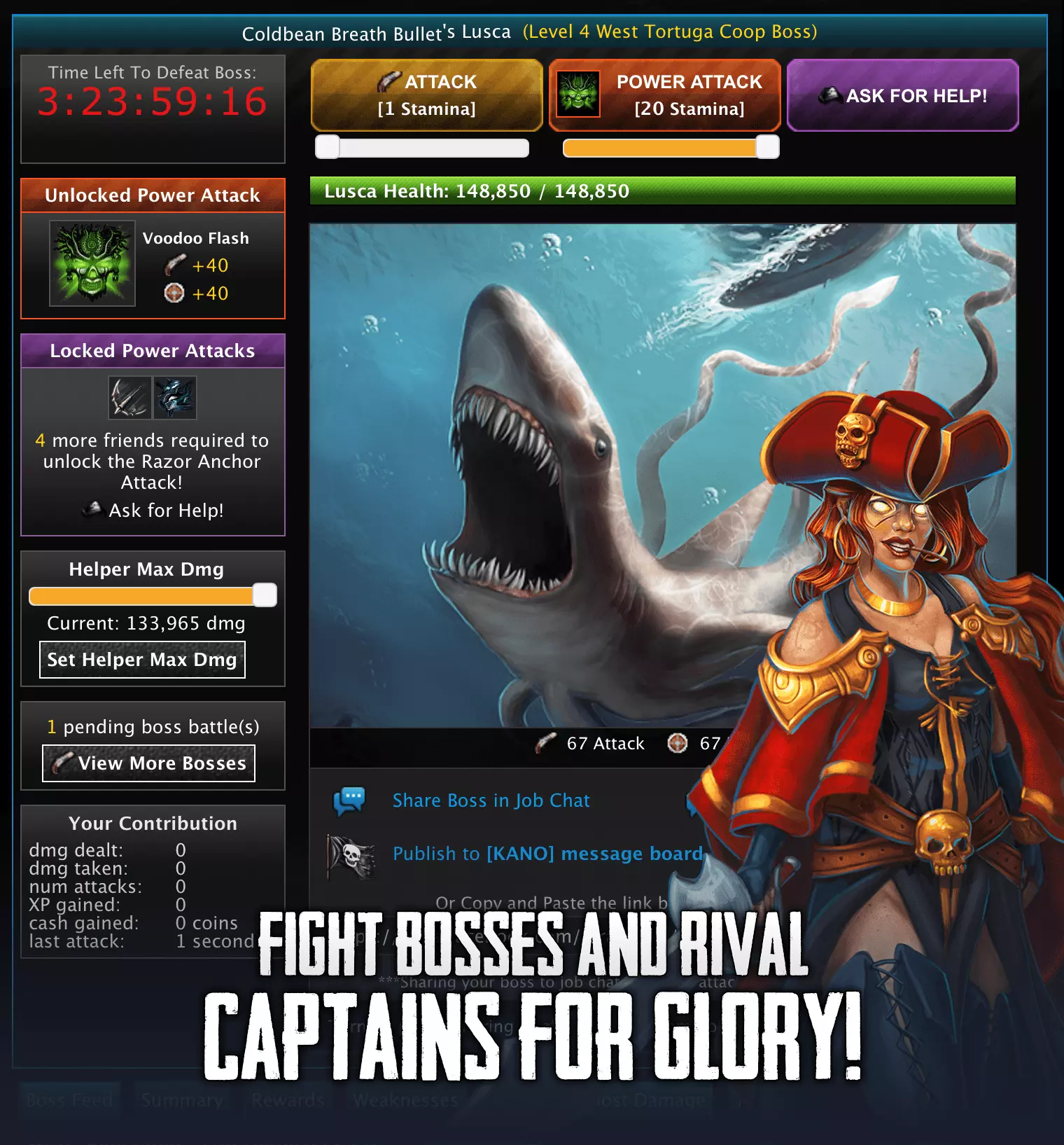
Pirates: Develop your captain through adventures, collecting and battles, with Armadas for group play. Play Pirate Clan free.
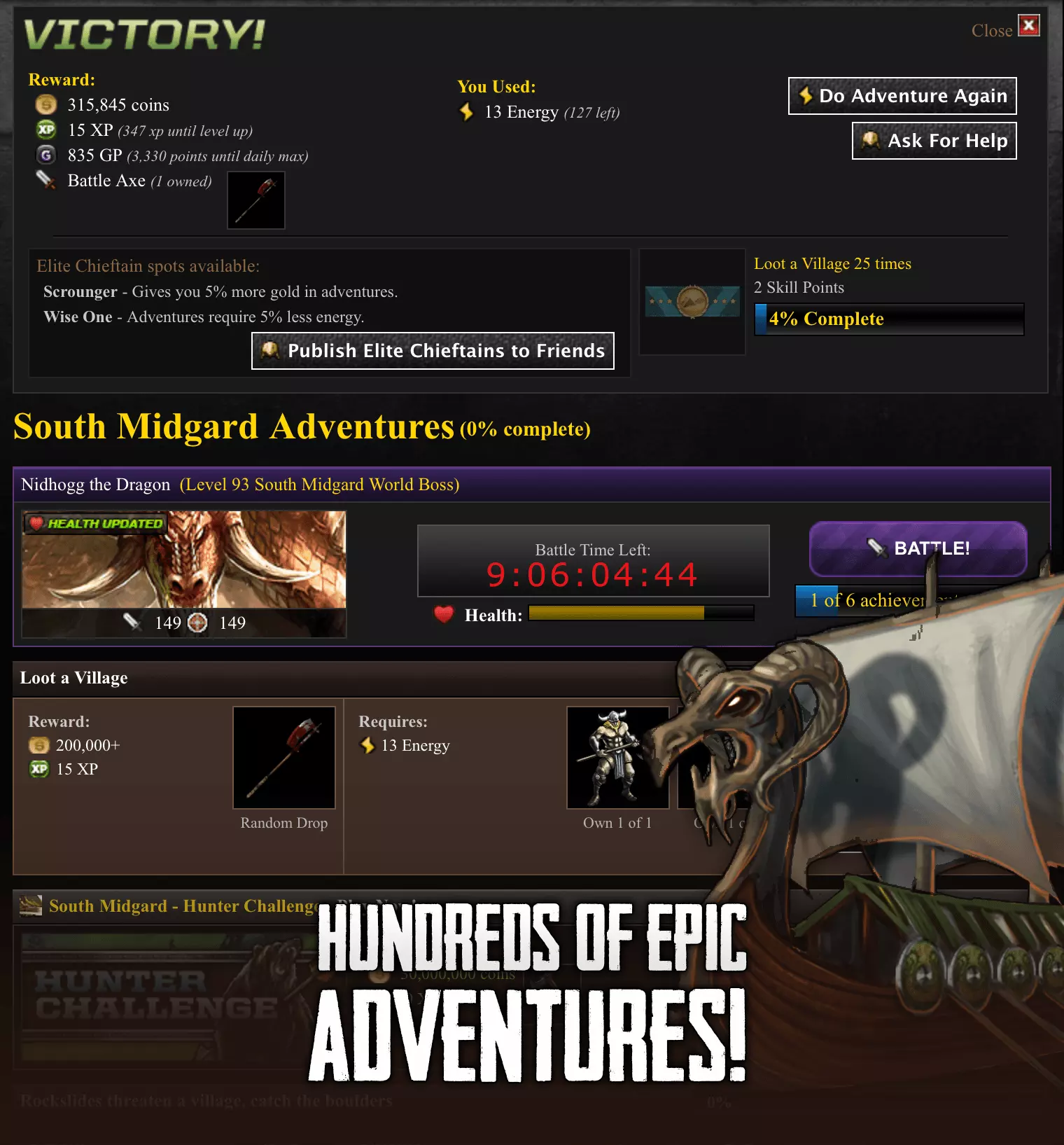
Norse fantasy: Grow a warrior in a world of mythical Bosses, equipment and Guilds. Play Viking Clan free.
Zombie survival: Equip your survivor, battle zombie Bosses and compete alongside a Faction. Play Zombie Slayer free.
App or mobile browser: what should you try?
Start with the official route for your device. The app store shows requirements and availability; the browser offers another way to inspect KanoPlay. Do not assume that an app and a browser will arrange every menu identically. Try the actions you use most, including equipment, fights and group navigation.
For an existing character, account access comes before convenience. Identify which sign-in method you used and follow the game’s support instructions for switching platforms. If a screen appears to be creating a new account when you expected your old character, pause and check rather than building progress on the wrong account.
A practical first-session check
Readability: can you read resource values and item descriptions at your normal text size? Controls: can you select an action confidently without tapping a neighbouring button? Navigation: can you get back to the main activity after opening equipment or a group screen?
Try a complete sequence rather than just the opening page. In LCN, complete Jobs, inspect what changed and try Fights. Then leave the game, reopen it and check that you can return to the expected character. That is more useful than deciding from store screenshots alone.
What kind of mobile text RPG do you want?
These illustrated, menu-driven RPGs are different from choosing dialogue in a single-player story or moving a character through a 3D battle. Progression choices, collected equipment and other players create the long-term appeal. Pick that format deliberately rather than expecting a reflex-based combat game.
If you are specifically comparing crime-themed apps with city-building strategy, use our mobile mafia RPG guide. If free access is your starting point, read our free multiplayer text RPG shortlist.
Start with a world you want to return to
Choose mafia rivalries, pirate adventure, Norse fantasy or zombie survival, then test the controls on your actual phone. Check compatibility and account access first, learn the normal activities and decide whether the everyday play loop fits you before making purchases.
For a mafia character, use the LCN link below. For another setting, use the game links above or explore the Find a Game hub.